IPAD & TABLET SIGN-IN KIOSK | BROTHER LABEL PRINTER COMPATIBLE

Visitor Sign-In Kiosks for Manned & Unmanned Front Reception Desks

visitor sign-in kiosk provides a professional, streamlined way to manage visitor, contractor, and employee check-ins from a single digital interface. Whether you have a manned or unmanned reception, traditional paper sheets create gaps in your records, compliance, and first impression

Ezy Sign-In offers a professional iPad and tablet kiosk solution featuring optional QR codes and seamless Brother sticky label printer integration. Visitors sign in and out in seconds, ensuring your front desk is secure, audit-ready, and always compliant.

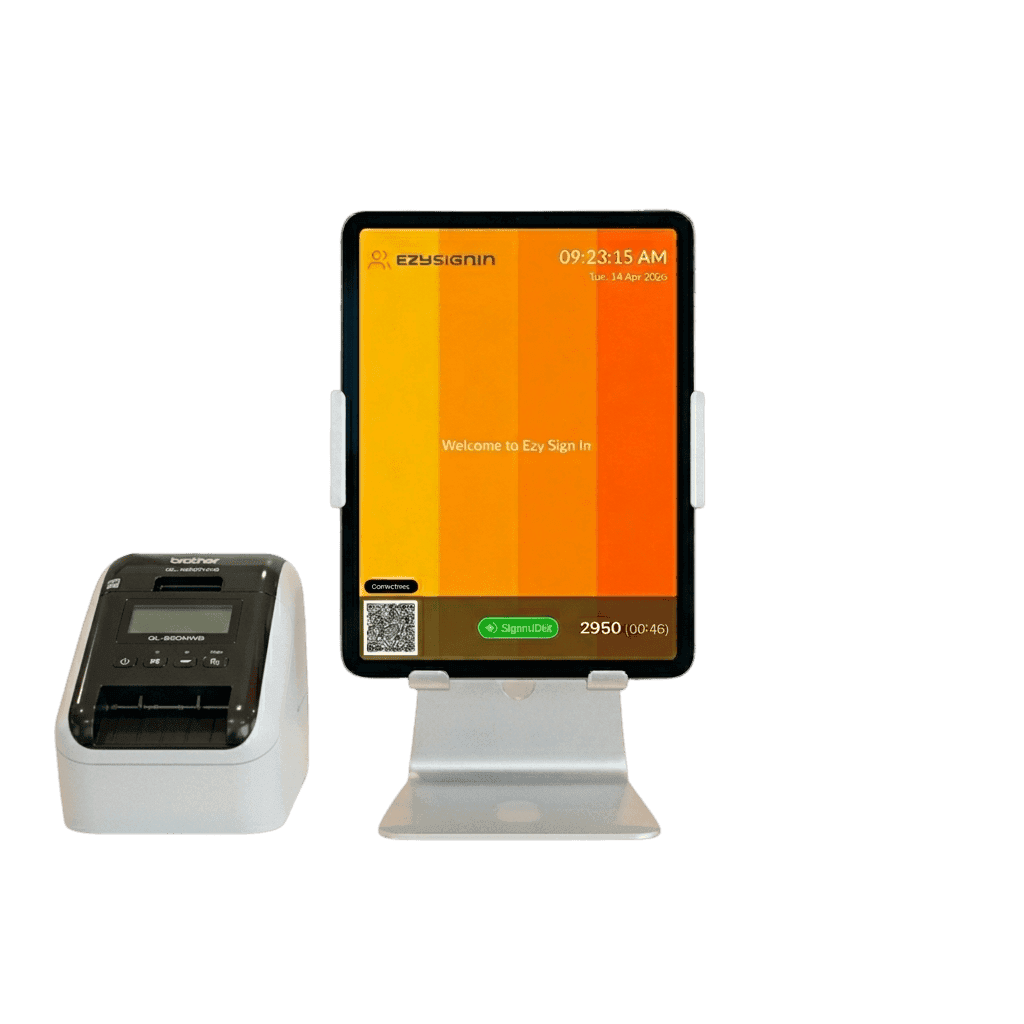
Ezy Sign-In visitor kiosk on iPad with Brother sticky label printer for front desk reception.

Kiosk and QR Code Sign-In Options

Every site is different. Ezy Sign-In gives you flexible sign-in options so you can set up the right entry experience for your specific environment — without being locked into expensive hardware.

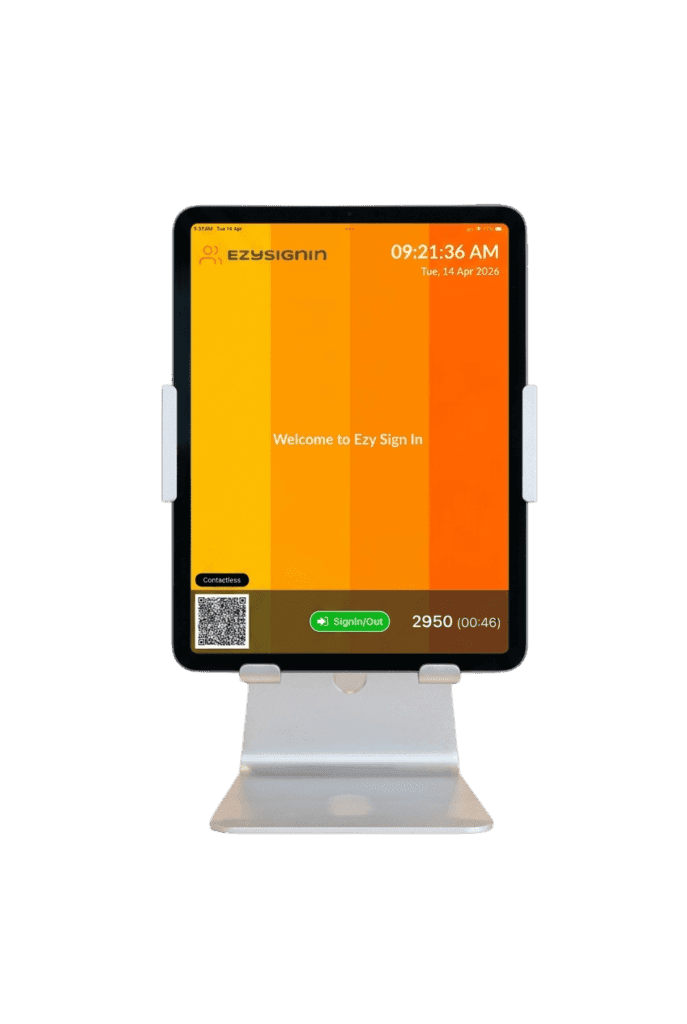
Ezy Sign-In visitor check-in app displayed on an iPad tablet stand for front desk reception.

iPad / Tablet Kiosk

Place a tablet at reception, the site entrance, or any entry point. Visitors, contractors, and employees walk up, tap through the sign-in workflow, and they’re done. The screen resets automatically for the next person.

Works on a standard iPad with no specialised hardware required. You can source your own hardware or ask us about kiosk supply options.

Extend your kiosk with a full visitor management system for site-wide visibility, or manage contractor access using a dedicated contractor sign in system.
QR Code Sign-In

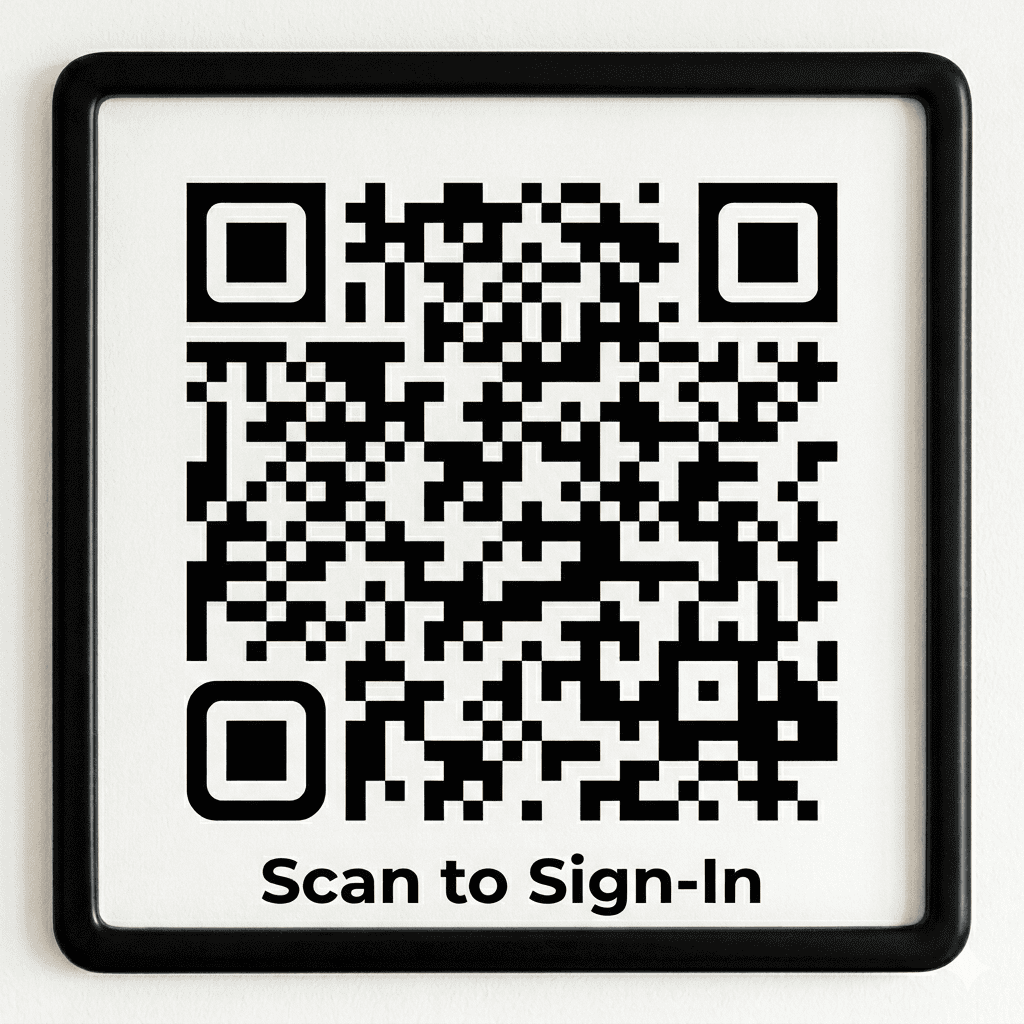
Print a QR code and display it at your entrance — on a stand, a wall, or a desk. Visitors scan with their own device and complete sign-in on their phone.

No shared screen. No hardware to manage. No maintenance.

QR code sign-in is fully contactless and works independently of any kiosk setup. Organisations can run QR-only, kiosk-only, or both simultaneously across different entry points.

Ezy Sign-In contactless QR code sign-in display for unmanned reception and visitor check-in.

What Happens at Sign-In

Whether signing in via kiosk or QR code, every visitor, contractor, or employee moves through a structured sign-in workflow configured for your site.

Visitors

  • Name, company, and contact details captured digitally
  • Host notification sent automatically by email or SMS
  • Customised welcome message and thank you screen
  • Terms and conditions acceptance if required
  • Photo capture at sign-in
  • Badge or ID label printed on arrival

Explore how this works for visitor sign-in across reception, kiosks, and QR code entry points.

Contractors

  • Structured sign-in workflow with screening questions
  • Safety acknowledgements and site-specific declarations
  • Photo capture
  • Host notification
  • Badge or ID label printed on arrival
  • Sign-out recorded automatically or manuallylabel printed on arrival

See how contractor sign-in manages site access, safety workflows, and compliance requirements.

Employees

  • Fast sign-in via kiosk or QR code
  • Screening questions if required
  • Real-time on-site visibility for managers
  • Sign-out recorded for attendance and timesheet purposes

Learn how employee sign-in provides real-time visibility of staff attendance across your sites

Badge & ID Label Printing with Brother Printer

Ezy Sign-In visitor kiosk on iPad with Brother sticky label printer for front desk reception.

Ezy Sign-In supports badge and ID label printing directly from the kiosk app. Badges are printed automatically at sign-in without any manual intervention.

Badge printing includes:

  • Visitor name and company
  • Photo taken at sign-in
  • Date and time of arrival
  • Host name
  • Site branding and logo

Ezy Sign-In works with Brother label printers — the industry standard for ID and badge printing. You can source your own compatible printer or ask us about supply options.

Setup is straightforward and printing begins within minutes of installation.

No Hardware? No Problem

A QR code printed on a standard sheet and displayed at your entrance gives you a fully functional, touchless digital sign-in system with zero hardware investment.

Visitors and contractors scan with their own device and complete the sign-in workflow on their phone.

For organisations that want the full kiosk experience — fixed screen, badge printing, branded welcome — a standard iPad or tablet is all that’s required.

Most organisations start with QR code sign-in and add a kiosk once they see how the system works in practice.

sign in without ipad

Works Across Every Site

  • Configure each entry point independently
  • Standardise sign-in processes across all locations
  • Central dashboard shows real-time activity across every site
  • Roll call display available for evacuation and safety checks
  • All records stored centrally and fully searchable

For organisations managing multiple locations, our multi-site sign-in system provides real-time visibility and standardised processes across every site.

Industries

Corporate Offices & Multi-Site Businesses

Professional sign-in experience at reception. Automated host notifications. Badge printing for visitors. Real-time on-site visibility for facilities and operations teams

Manufacturing & Industrial

Controlled entry points with structured sign-in workflows for contractors and employees. Screening questions and safety acknowledgements captured before site access is granted.

Construction

QR code sign-in at site entrances with no hardware to manage. Contractor sign-in with photo capture and safety workflows.

Warehousing & Logistics

High-traffic entry points with fast kiosk sign-in for employees and contractors. Automated sign-out and real-time on-site counts.

Healthcare & Aged Care

Contactless QR code sign-in for visitors. Health declarations captured at sign-in. Accurate visitor records for compliance and audit purposes.

FAQs

A front desk or kiosk sign-in system is a digital solution that replaces paper sign-in books, allowing visitors, contractors, and employees to check in via a tablet or QR code while capturing accurate, time-stamped records.

No. Ezy Sign-In works via QR code sign-in on personal devices — no dedicated hardware required. If you want a fixed kiosk, any standard iPad or Android tablet works. Badge printing requires a compatible label printer

The kiosk app runs on iPad and Android tablets. Any standard consumer tablet is compatible — no specialist hardware required.

Yes. Many organisations run both simultaneously — a kiosk at reception and QR codes at secondary entry points. Both feed into the same central system.

Yes. Each sign-in type can be configured with its own workflow — different questions, acknowledgements, and badge formats.

Yes. The sign-in screen, messages, and printed badges can all be customised with your organisation’s branding.

Badge printing is supported as part of the system. A compatible label printer is required.

QR code sign-in can be active within minutes. Kiosk setup with badge printing typically takes under an hour.

Yes. Each site can have its own setup, with all data flowing into a central dashboard.

A Professional Sign-In Experience at Every Entry Point

See how Ezy Sign-In works at your entry points in minutes